
Broken links damage SEO, frustrate visitors, and make a site look unmaintained. They are also the easy half of the outbound-link problem. The harder half — links that still resolve but have been re-registered, repurposed, parked, or compromised — is the part most checkers don't address at all.
This post compares five widely used tools on what they do, how they do it, and where their architecture runs out of room.
Background reading: the Ultimate Guide to Broken Link Checkers covers what these tools are and the 5 methods for checking broken links covers how the underlying mechanics differ.
The tools
- BrokenLinkCheck.com
- DeadLinkChecker.com
- Dr. Link Check
- Ahrefs Broken Link Checker
- LinkSentry
The first four are crawler-based. The fifth isn't, which is most of the point of including it.
BrokenLinkCheck.com

BrokenLinkCheck.com is the canonical no-frills web tool: paste a URL, get a list of HTTP errors found by an external crawler.
Architecture. External crawler. Starts at the URL you give it, follows links it can see, reports 4xx/5xx responses.
Notable.
- Free, browser-based, no signup for the basic check
- Caps the free tier at 3,000 pages — useful for small sites, awkward for anything larger
- Surface-area is exactly what an anonymous crawler can reach: public, statically linked, no auth, no JS-rendered content
Best for. A one-off audit of a public-facing site where you just want to find the dead <a> tags.
DeadLinkChecker.com
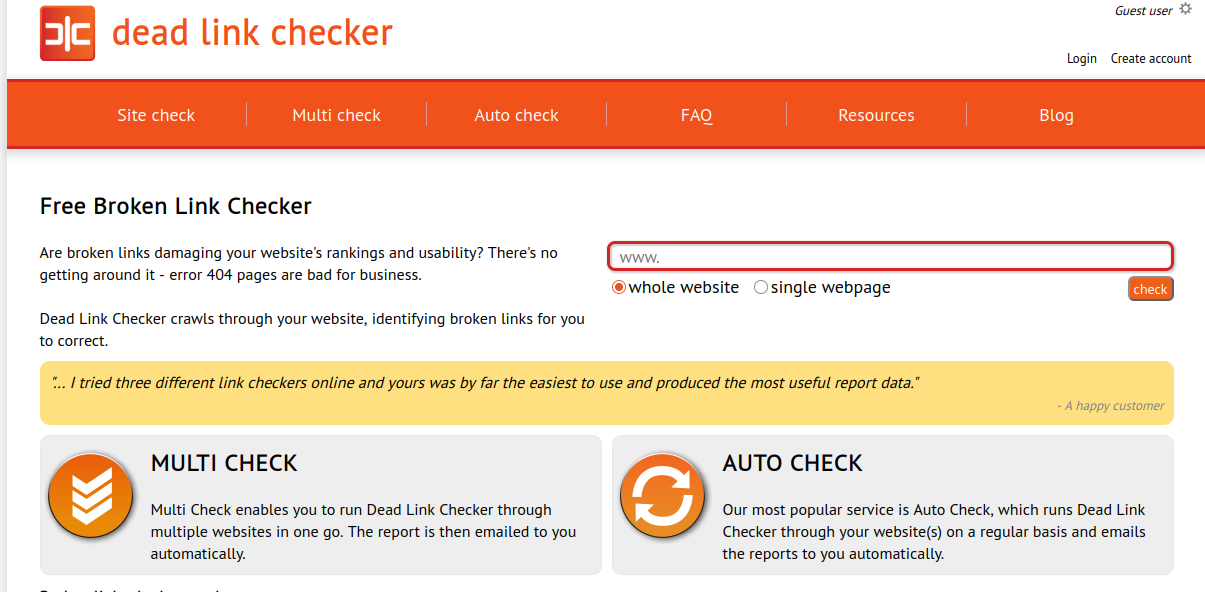
DeadLinkChecker.com is the same shape with paid tiers added on top — scheduled scans, multi-site checks, and email reports.
Architecture. External crawler.
Notable.
- Free single-page and whole-site checks
- Paid tiers (Multi Check, Auto Check) for scheduled scanning and report delivery
- Output is HTTP-error-focused; no security or reputation signal
Best for. A small site that wants the BrokenLinkCheck experience but on a schedule.
Dr. Link Check
Dr. Link Check bolts SSL/security checks onto the same crawler model.
Architecture. External crawler with added cert and reputation checks.
Notable.
- SSL certificate validation alongside HTTP status
- Spam-listing and blacklist checks on destinations
- Paid tiers for higher page caps and scheduled scans
Best for. Sites where "broken links" is the headline ask but you also want a basic certificate-and-reputation pass on the destinations.
Ahrefs Broken Link Checker
Ahrefs' broken-link checker is a feature inside a much larger SEO toolkit. Different audience, different point.
Architecture. Crawler-based, but the crawler runs against Ahrefs' own multi-trillion-URL index rather than your site directly.
Notable.
- Built for backlink research and SEO competitive analysis, not site hygiene
- Surfaces broken inbound links to your domain (someone else's site linking to a dead page on yours) as well as outbound
- Costs land you in Ahrefs subscription pricing, which is overkill if link checking is all you want
Best for. Teams already paying for Ahrefs who want broken-link data inside the SEO workflow they already use.
LinkSentry
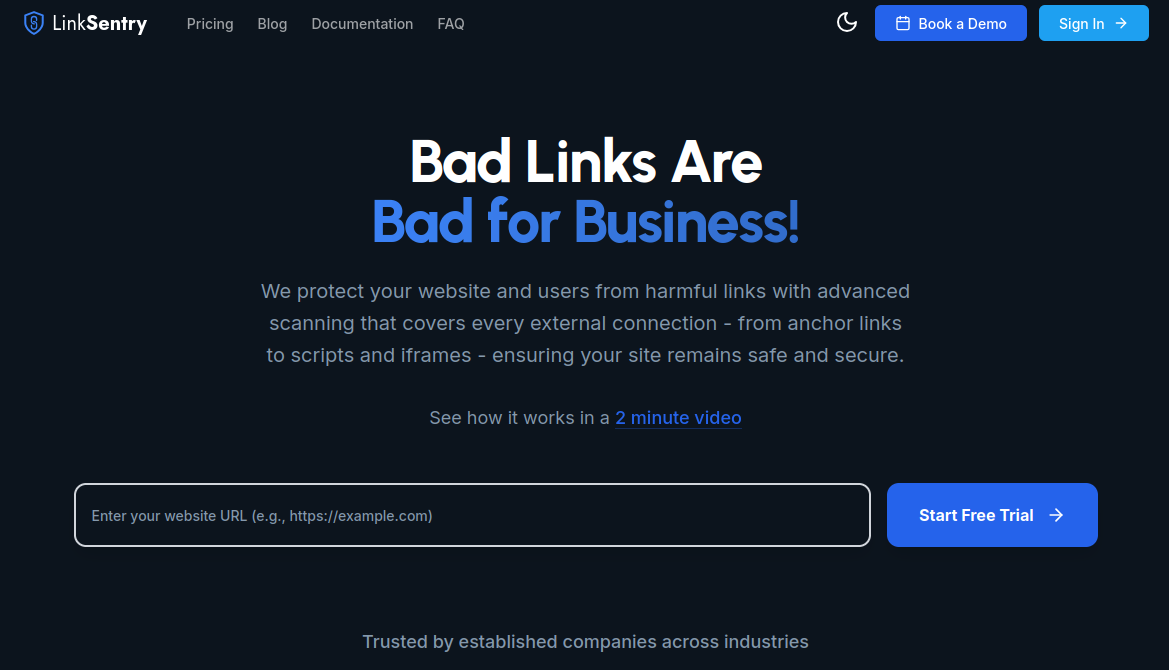
LinkSentry is the one architectural outlier in this list, and we built it, so take this with the bias it deserves. The disclosure is up front because the comparison only makes sense if you understand the choice.
Architecture. Not a crawler. A small read-only script you install on your site reports outbound destinations from real visitor sessions. The inventory is built from what users actually load.
Notable.
- Coverage matches the site users actually use: pages behind login, dynamic content, JS-rendered components, personalized links
- Checks every entry continuously against threat-intel feeds, parking-nameserver databases, TLS validity, and content-drift snapshots
- Flags re-registered or recently-transferred domains, NSFW destinations, parking redirects, dropped-and-reclaimed names, and content categories beyond simple
4xxdetection - Built on a decade of academic peer-reviewed research on web security and the domain lifecycle
- Subscription-based; free trial; install is one script tag
Trade-offs.
- Requires installing a script — not "paste a URL and click scan"
- The continuous-monitoring model doesn't fit a "one-time audit" use case as well as a crawler does
Best for. Operators who care about the outbound-link surface over time, on sites with auth or dynamic content, and who treat link rot as a security problem rather than a quarterly checklist.
Where the architectures actually differ
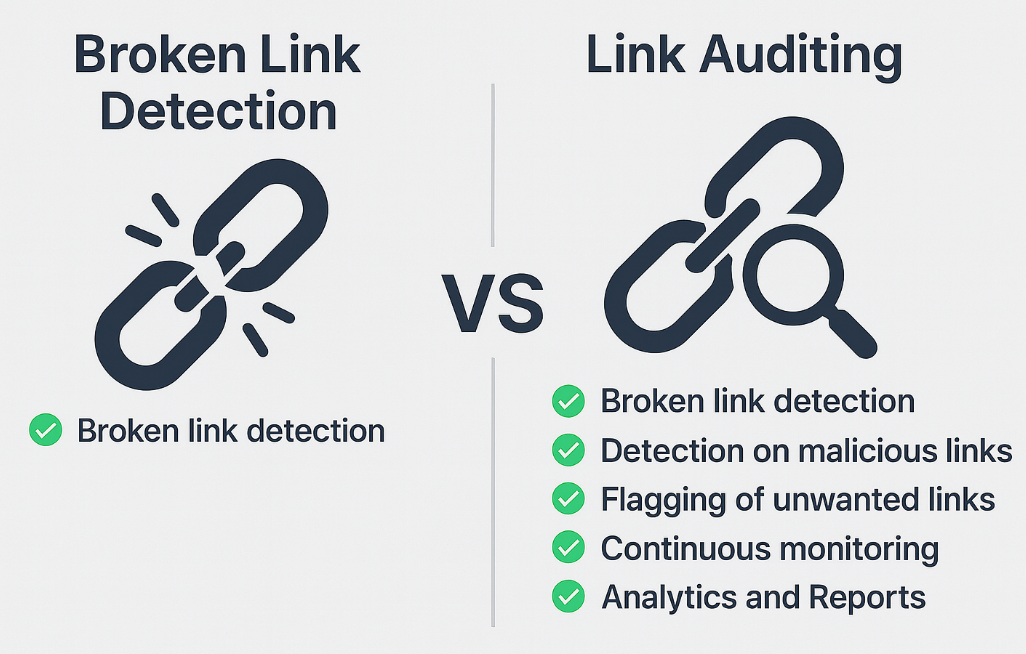
The four crawler-based tools all do the same thing with different polish: start from a URL, follow what's discoverable, report HTTP errors. That works well for the slice of the web that's public, static, and small. It breaks down on the slice that isn't.
What crawlers can't see, in practice:
- Anything past
/login— your dashboard, your help center after paywall, your admin - JS-rendered content that only appears after a click, a hover, a tab change, or a deferred fetch
- Personalized links — the ones that only show up for a given user, tier, region, or feature flag
- The half of your site that lives inside a wizard, a stateful flow, or an app that doesn't render server-side
LinkSentry trades the crawler architecture for a session-observer one. The trade gets you coverage and continuous monitoring at the cost of needing to install the snippet first. (Trust Users, Not Crawlers has the longer version of why we made that trade.)
Picking one
Use a free crawler (BrokenLinkCheck.com, DeadLinkChecker.com, Dr. Link Check) when:
- You want a quick one-time audit
- Your site is small, mostly public, and mostly static
- The ask is literally "find the 404s"
Use Ahrefs when:
- You already pay for Ahrefs
- You want the broken-link data inside SEO competitive analysis
- Inbound (not just outbound) broken links matter for your workflow
Use LinkSentry when:
- Site coverage past public/static pages matters (auth, dynamic content, personalized)
- You want ongoing detection, not quarterly recrawls
- The threat model includes expired-domain takeover, parking, malware, and content drift — not just HTTP errors
- You'd rather get a Slack alert than remember to run a scan
The honest summary
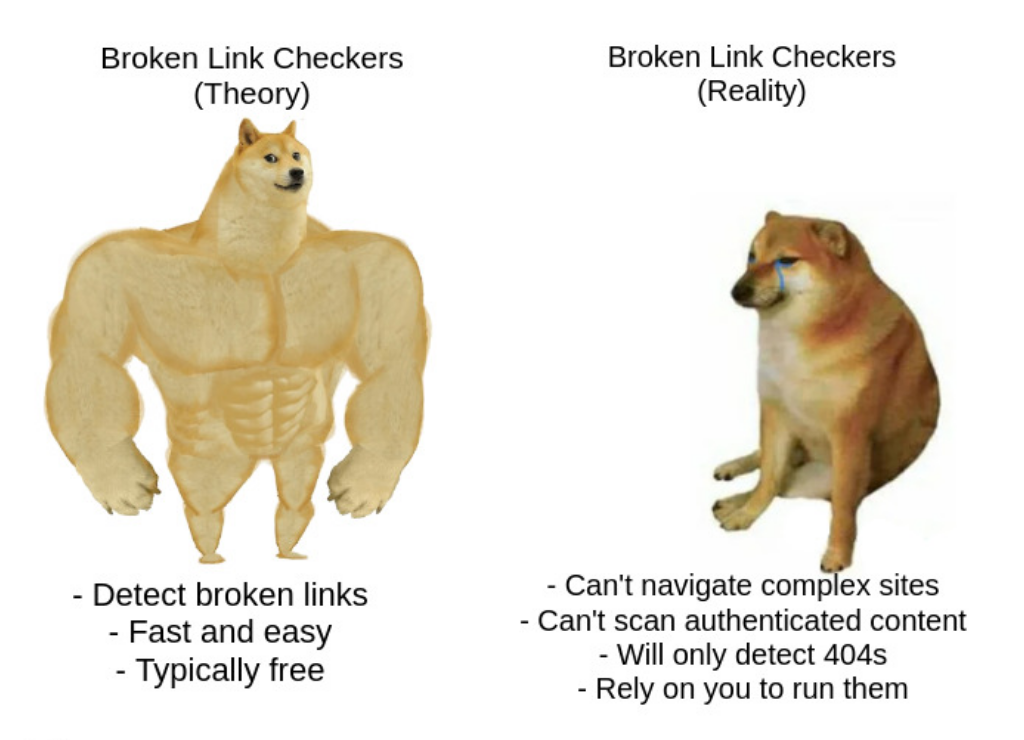
For finding HTTP errors on a static brochure site, a free crawler is the right answer. There's no need to over-tool the problem.
For everything past that — auth-walled product surfaces, security-relevant content drift, automated alerting — the crawler architecture stops being the right shape. That's the gap LinkSentry was built to fill. The choice between the two isn't about which is "better"; it's about which problem you're actually trying to solve.
Related Posts: